🚀 QC One App: Release 20.9.0
- Status: Planned
- Release Date: Tuesday, January 27, 2026.
- Release Time: 16:00 PM, GMT (+2)
- Version: 20.9.0
- Platforms: App
- Distribution: Phased Release
With QC One App version 20.9.0, it’s now much easier to see whether your device is online or offline – and when syncing is available. Clear visual indicators and consistent Sync buttons help you avoid surprises and stay in control while working in the field.
What’s Improved?
- Instant visual feedback when your connection changes
- Clear indication when syncing is available
- Fewer confusing error screens when working offline
Clear Online / Offline Indicators
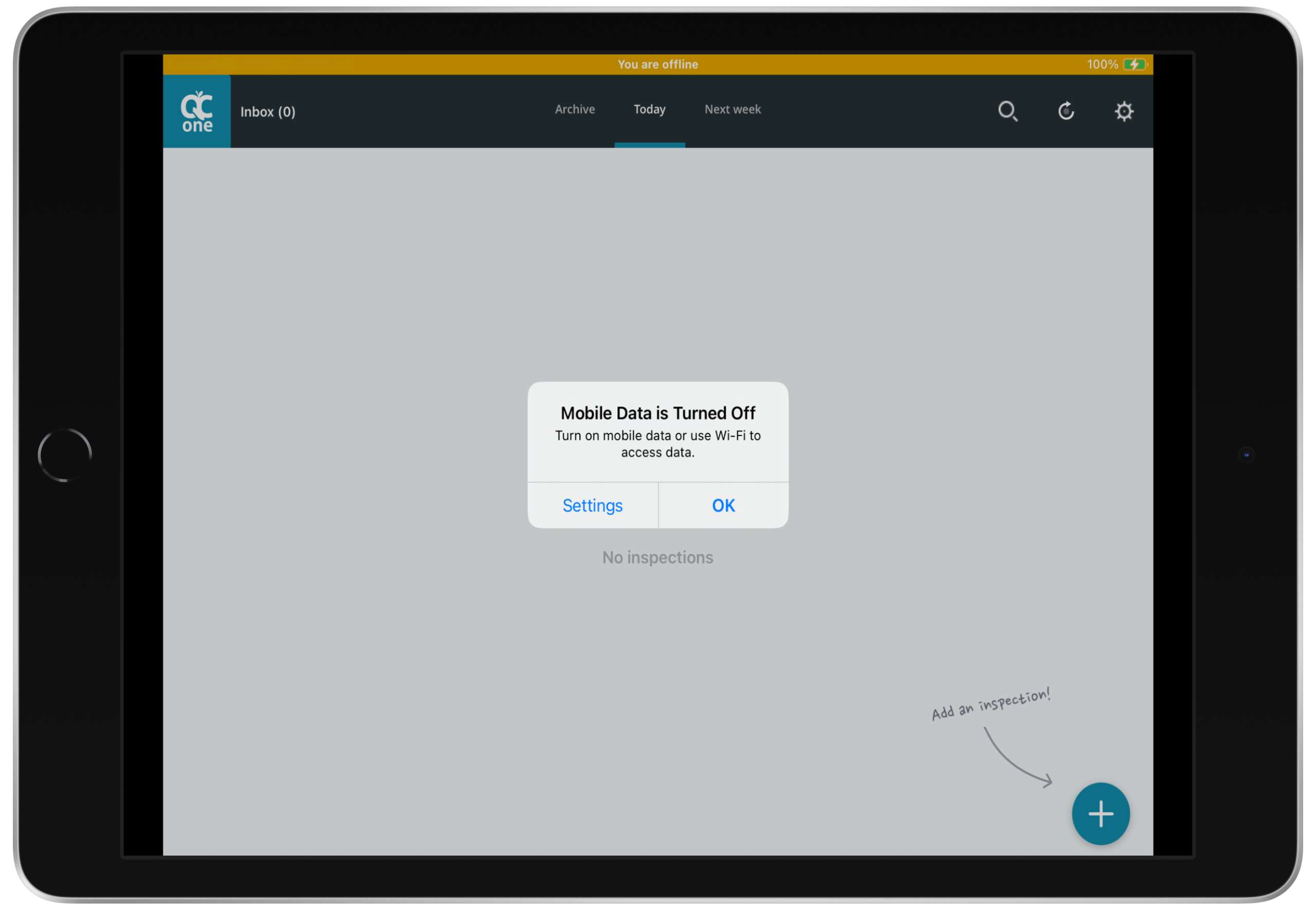
When your connection status changes, the app briefly shows a coloured bar at the top of the screen:
- Yellow bar: You are offline
- Green bar: You are back online
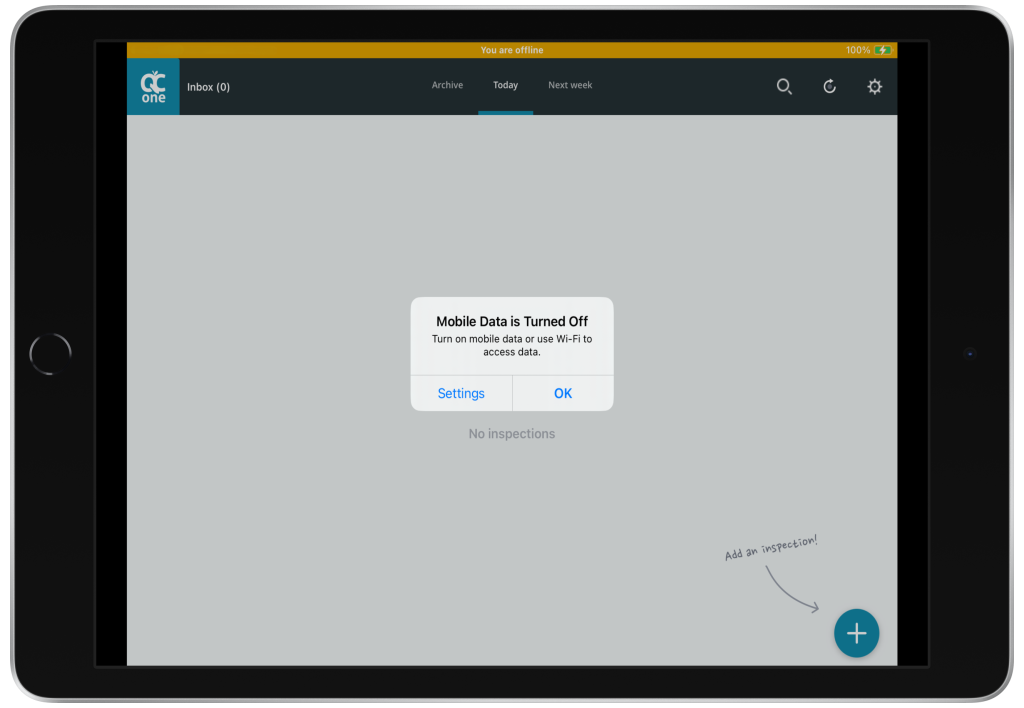
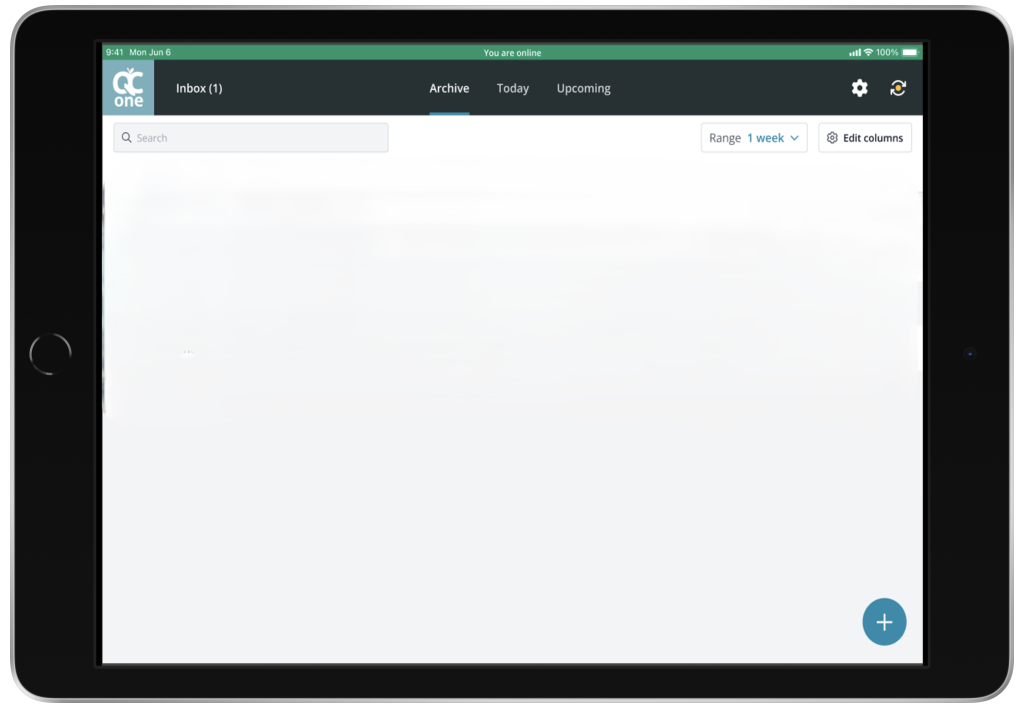
These indicators appear on both mobile phones and tablets:
- On tablets, the bar shows colour and text
- On mobile phones, the bar shows colour only (no text), optimised for smaller screens
This gives you instant feedback about your connection
Consistent Sync Buttons
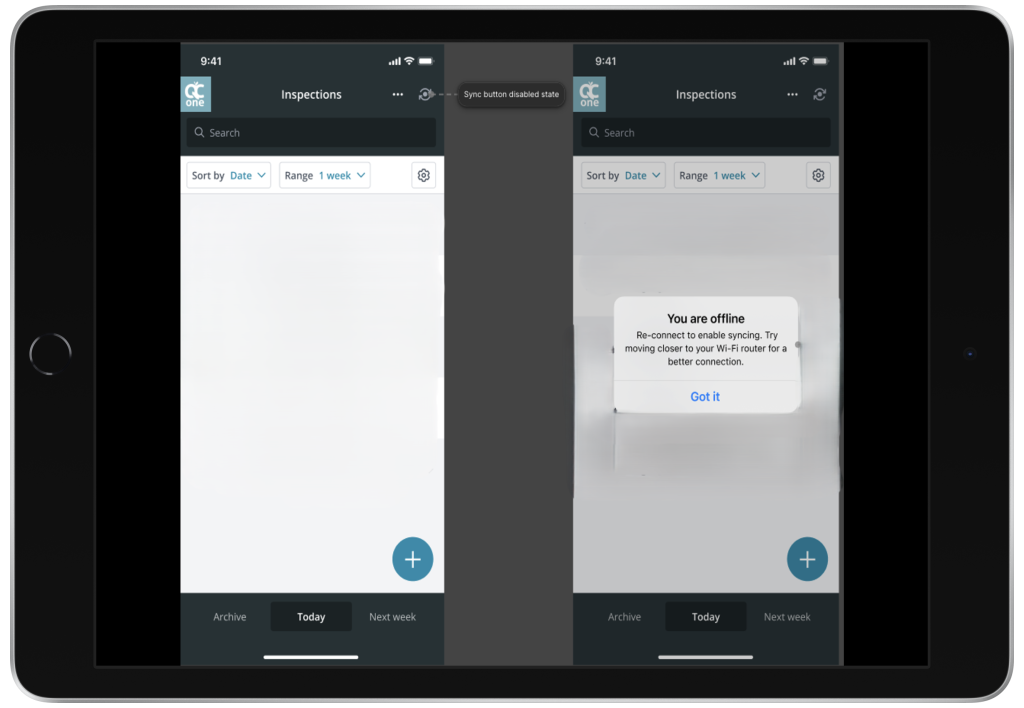
The Sync button is now fully aligned with your connection status:
- Online: Sync button is green and active
- Offline: Sync button is greyed out and unavailable
This behaviour is consistent across the Inbox and inspections, so you immediately see whether syncing is possible and avoid trying to sync while offline.
Questions or need more support?